ERP for Construction vs. Construction Software: What Is the Difference and How Do You Choose?
Choosing between ERP for construction and construction software is not just about features. It is about how much control your company needs over materials, hours, projects and costs.

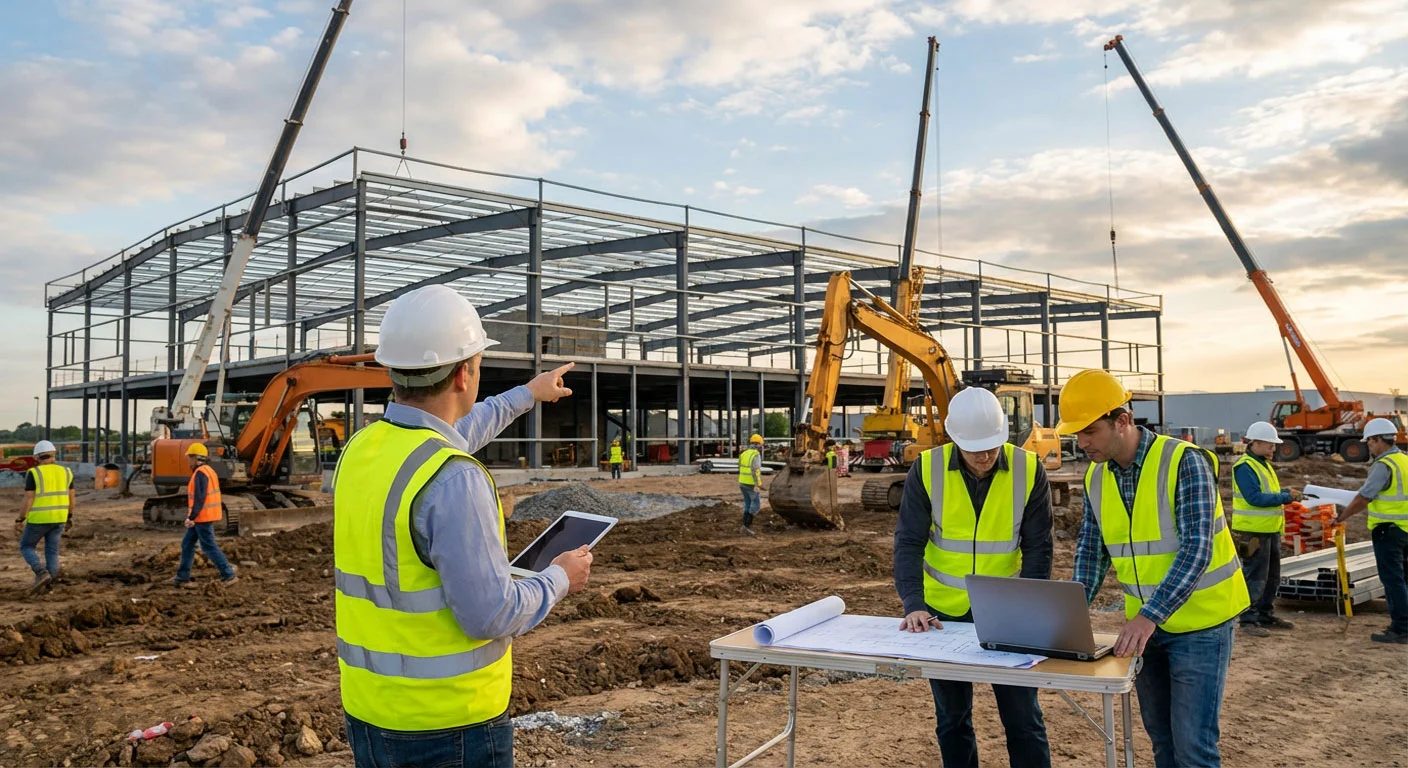
Most construction companies do not start by looking for an ERP. They start with a specific problem. Timesheets arrive late. Material disappears between jobsites. Nobody knows what a project has cost until the last invoice lands. So they buy a tool for that one problem.
A year later there are four tools, none of them talk to each other, and the same numbers are typed into three different systems. That is usually the moment the question appears: do we need construction software, or do we need an ERP?
The difference is not about how many features a product has. It is about how much of your operation you want connected in one place.
What construction software usually means
Construction software normally solves one part of the job very well. It might be estimating, scheduling, site diaries, defect lists, or document management. The scope is narrow on purpose, which makes these tools quick to learn and easy to introduce.
That focus is a real advantage when the problem is genuinely isolated. If your only pain is producing tenders faster, a good estimating tool will fix it without you changing anything else.
The limitation appears when the answer to a question lives in more than one system. "What did this project actually cost?" needs hours, materials, machine time, and subcontractor invoices together. A single-purpose tool holds only one of those.
What ERP for construction means
An ERP connects the operational parts of the business on one shared data foundation: projects and cost centres, employees and hours, warehouse and stock, orders and suppliers, vehicles and equipment.
The important word is shared. An hour logged in the field is the same record that payroll uses and that job costing uses. Material issued from the warehouse reduces stock, values itself, and posts to the project in one action. Nobody retypes anything.
That is what makes questions answerable while the work is still running rather than after it is finished.
The real question is not features — it is control
Feature lists are a poor way to choose, because almost every product will tick almost every box. A better test is to ask which questions you currently cannot answer without someone spending an afternoon in spreadsheets.
If those questions can only be answered at month-end, or by combining exports from several tools, the problem is not a missing feature. It is a missing connection.
Signs you have outgrown single-purpose tools
- The same data is entered in two or more systems.
- Project costs are only clear after the job is finished.
- Stock levels in the system rarely match the shelf.
- Payroll month-end is a reconstruction, not a confirmation.
- Nobody can say what a machine or a van actually costs per project.
- Reporting depends on one person who knows where everything is.
Two or three of these are normal in a growing company. Five or six usually means the cost of the disconnect has become larger than the cost of fixing it.
What an ERP does not have to mean
The word ERP still makes many contractors think of a two-year implementation, external consultants, and a licence cost that only makes sense above a hundred employees. That was true of the previous generation of systems.
A modern construction ERP should be usable by a company with fifteen people. You should be able to create a project, add cost centres, import your materials, and have crews logging hours in the same week — without anyone flying in to configure it.
If the evaluation process itself takes six months, that tells you something about how the software will behave afterwards.
How to choose in practice
A pilot on one real project tells you more in three weeks than any comparison table will. If the site team uses it without being chased, the system fits how you work.
Final thoughts
Construction software solves a defined problem. An ERP connects the parts of your business that only make sense together — hours, materials, projects and costs.
Choose the narrow tool when the problem is genuinely narrow. Choose an ERP when the answers you need keep falling between the tools you already own. And whichever you choose, start with one project, not the whole company.