Control costs

Live job costing from labour, materials and machines.

Manage teams

Plan people, hours and schedules in one place.

Track materials

Know exactly what you own and where it is.

Run projects

One system from kickoff to closeout.

Not sure where to start?

See the whole platform mapped to your day-to-day in a 20-minute walkthrough.

Enterprise demo account

A test environment configured around your own processes, available on request.

Stock module

Live inventory levels, real valuations, no unpleasant surprises.

RelayPlan Stock keeps quantities and values current across every location, warns you before something runs out, and shows what your inventory is actually worth at any moment.

Set up in minutesWorks with all modules

Inventory you can trust without counting

Stock levels are only useful if they are right. In RelayPlan they are a consequence of logged movements, not a periodic count that is stale the day after it is taken.

Always-current levels

Every receipt, issue, transfer and return updates quantities the moment it happens.

Real valuation

Know what your inventory is worth per item, per location and in total, continuously.

Low-stock alerts

Minimum levels per item mean purchasing acts before a crew is standing idle.

Consumption insight

See what each project actually consumed and use it to estimate the next one properly.

Stock control for contractors, not retailers

Retail inventory software assumes goods sit still until they are sold. Construction stock does the opposite: it moves constantly between a warehouse, several sites and a fleet of vans, and it is consumed rather than sold. Most tools model that badly.

RelayPlan treats consumption as the normal event. Issuing material to a project reduces stock, values it, and posts the cost to the job in one action. Transfers between van and site are logged movements, not adjustments, so nothing has to be reconciled later.

Over a few months that history becomes genuinely valuable. You can see what a typical job of a given type consumes, which items are chronically over-ordered, and where money is tied up in stock that has not moved all year.
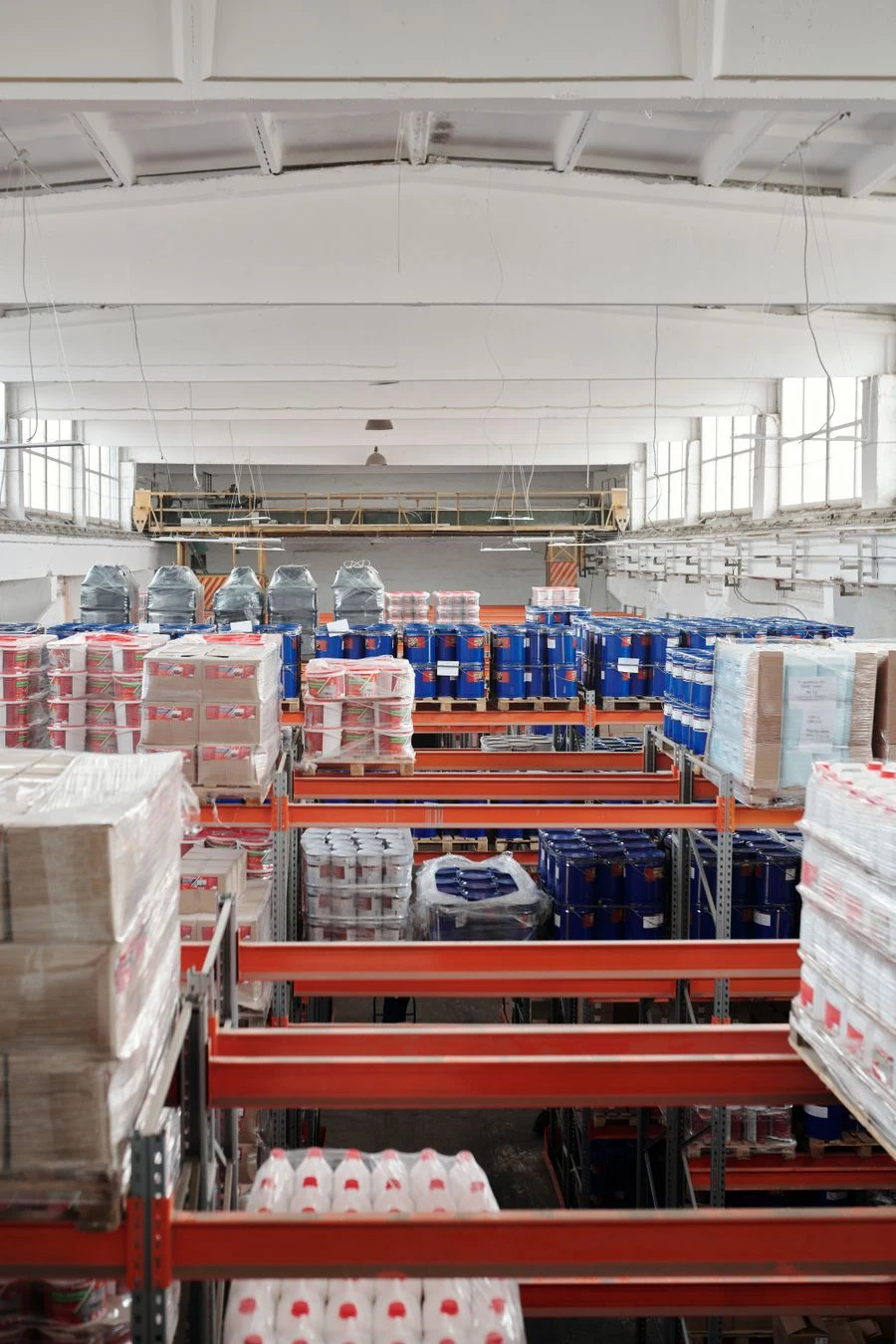
Palletised building materials in a warehouse
Per item, RelayPlan holds

Quantity on hand per location · unit of measure · minimum level and alert status · current valuation · supplier and last purchase price · movement history · which projects consumed it and when.

Everything the Stock module does

Quantities, values and the story of how they got that way.
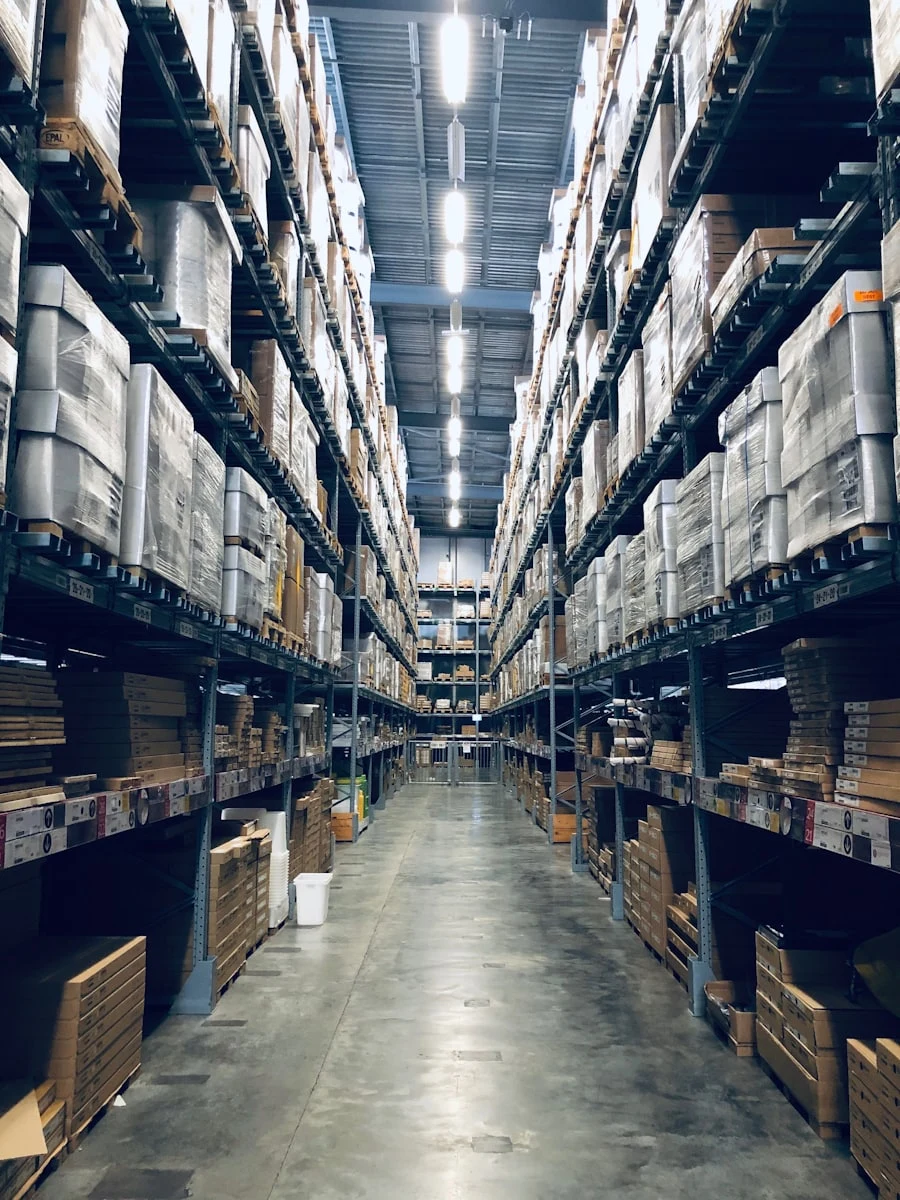
Warehouse aisle with organised shelving

Live quantities

On-hand, reserved and available quantities per item and per location, updated with every movement.

Per-location and total quantities
Reserved vs. available
No periodic recount required
Cost documents and calculator on a desk

Valuation

Continuous valuation means the cost posted to a project is the real cost of what was issued.

Continuous stock valuation
Total inventory value at any moment
Last purchase price per supplier
Warehouse racking stocked with construction materials

Minimum levels & alerts

Set a floor per item and let RelayPlan tell purchasing what needs ordering before it becomes urgent.

Minimum level per item and location
Low-stock list for purchasing
Fewer emergency retail purchases
Worker laying screed on a construction floor

Consumption per project

See exactly what each job consumed, in quantity and in money, and compare it against what you estimated.

Consumption per project and cost centre
Compare estimated vs. actual usage
Better material estimates next bid
Worker checking stock against a clipboard

Stock takes

When you do count, record it in the app and let RelayPlan show and post the differences with a full audit trail.

Guided counting on mobile
Variances shown before posting
Every adjustment logged with a reason
High-rise construction with tower cranes

Reports & export

Levels, values, movements, slow-moving items and consumption reports — exportable whenever finance asks.

Movement and valuation reports
Slow-moving and dead-stock lists
Excel / CSV export

Trustworthy stock in four steps

Start with one location and the items that matter most.

01
Import items

Bring in materials with units, categories and suppliers.

02
Enter opening quantities

One count to set the baseline — after that, movements keep it right.

03
Set minimum levels

Decide the floor for the items you cannot afford to run out of.

04
Work normally

Issue and receive as usual; levels and values stay current by themselves.

Live
levels across all locations
−25%
typical shrinkage reduction
100%
of issues valued and costed
1
baseline count to get started

Stronger with every module you turn on

Stock shares its data with the warehouse and pushes cost into your projects.

See all solutions →
Warehouse

Locations, movements and tools sit on the same records.

Orders

Received purchase orders raise stock automatically.

Projects

Consumption becomes material cost on the cost centre.

Fleet

Van stock counted as part of total inventory.

Stock — FAQ

Stock is valued continuously from purchase records, so the cost posted when material is issued reflects what you actually paid rather than a list price.
Far less often. Because levels follow logged movements, most firms move from frequent full counts to occasional spot checks. When you do count, the app guides it and shows variances before you post.
Yes. An item can have a minimum in the main warehouse and different minimums in vans or site containers, so alerts reflect how you actually operate.
Each item has its own unit of measure — pieces, metres, kilograms, litres, rolls — and quantities and valuations respect it throughout.
Yes. Every issue is tied to a project and cost centre, so you get both a quantity list and a cost total per job, comparable against your estimate.
Yes. Slow-moving and dead-stock reports show what has not moved in a period, which is usually where working capital is quietly stuck.
Only roles you authorise, and every adjustment requires a reason and is recorded in the audit trail with the person and timestamp.

Know what you have, and what it is worth.

Start free and get live stock levels across every location.