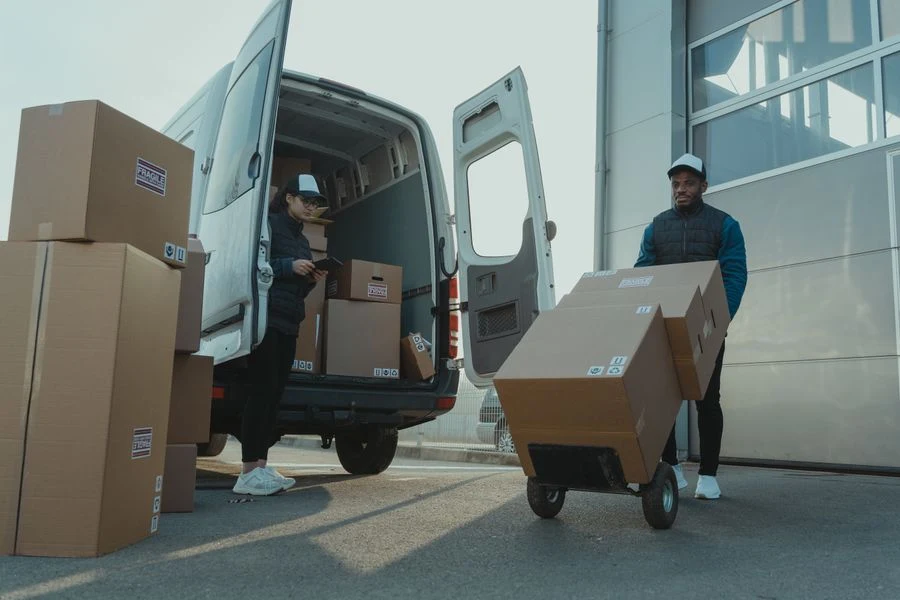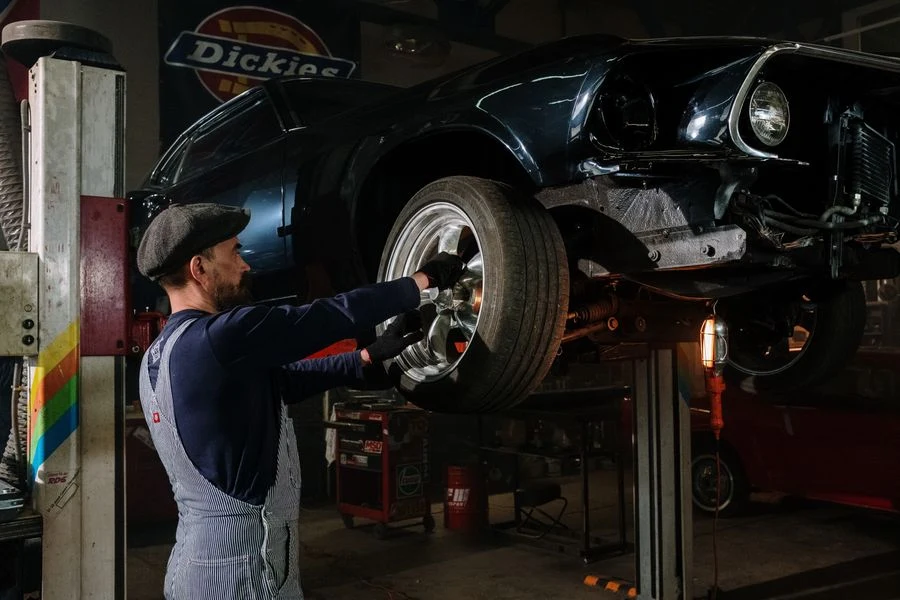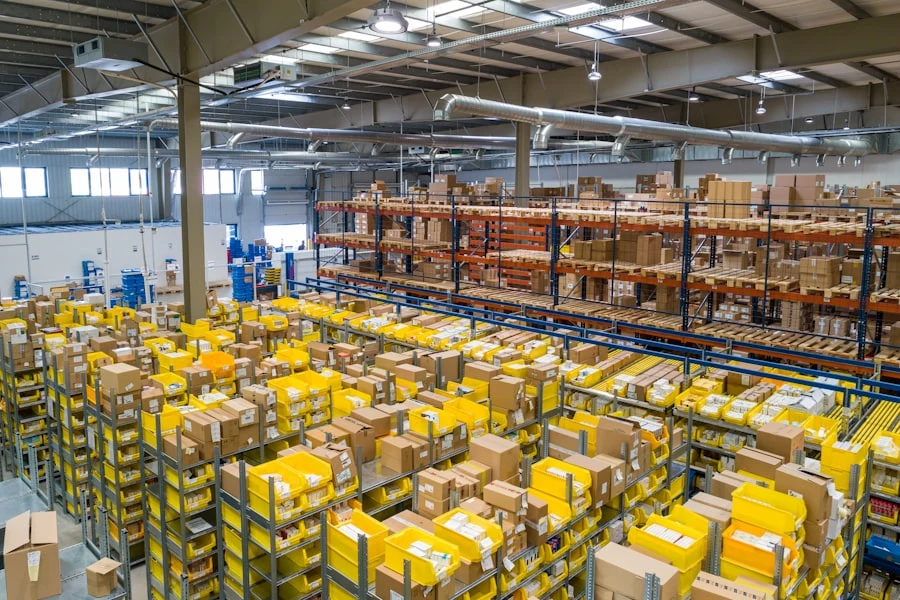
Control costs

Live job costing from labour, materials and machines.

Manage teams

Plan people, hours and schedules in one place.

Track materials

Know exactly what you own and where it is.

Run projects

One system from kickoff to closeout.

Not sure where to start?

See the whole platform mapped to your day-to-day in a 20-minute walkthrough.

Enterprise demo account

A test environment configured around your own processes, available on request.

Tools module

You always know who has which machine, and since when.

RelayPlan Tools keeps a register of tools and work equipment by serial number, with a named holder and a handover history, so finding a drill does not cost half a day of phone calls.

Set up in minutesWorks with all modules

Tools are assets, not consumables

A drill that disappears is rarely reported as a loss. It is simply gone, and a new one is bought. A register keyed on serial numbers breaks that cycle.

Every item on record

Machines, hand tools and measuring equipment in one register with a name and a serial number.

A named holder

Tools are signed out to a person, not to a site, so responsibility is never vague.

Handover history

See who held the tool before and when it came back to the store.

Search by serial number

A serial number is unique, so there is no doubt which of five identical drills this is.

Tool and equipment tracking for construction firms

A firm with thirty people usually owns several hundred tools. Some sit in the central store, plenty live in vans, and the rest are somewhere on site. The question of who has the impact driver gets answered by ringing round.

RelayPlan Tools keeps each item as a record with a serial number, a current holder and a handover history. The sign-out is recorded when it happens, rather than reconstructed at the end of the month.

Because tools are held as personal stock, employees see them in the mobile app. That removes most of the conversation about who has what, and when someone leaves it is immediately clear what has to come back.
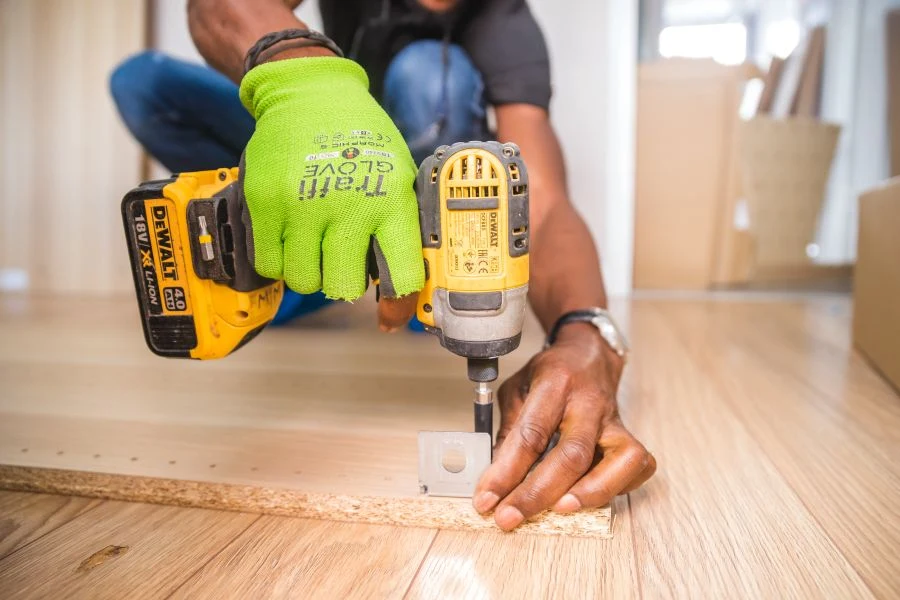
Cordless drill on a work surface
For each tool RelayPlan keeps

Name and description · serial number · photograph · current holder · location or vehicle · date signed out · previous holders · condition and notes on return.

Everything the Tools module does

From a cordless driver to measuring equipment that needs regular calibration.
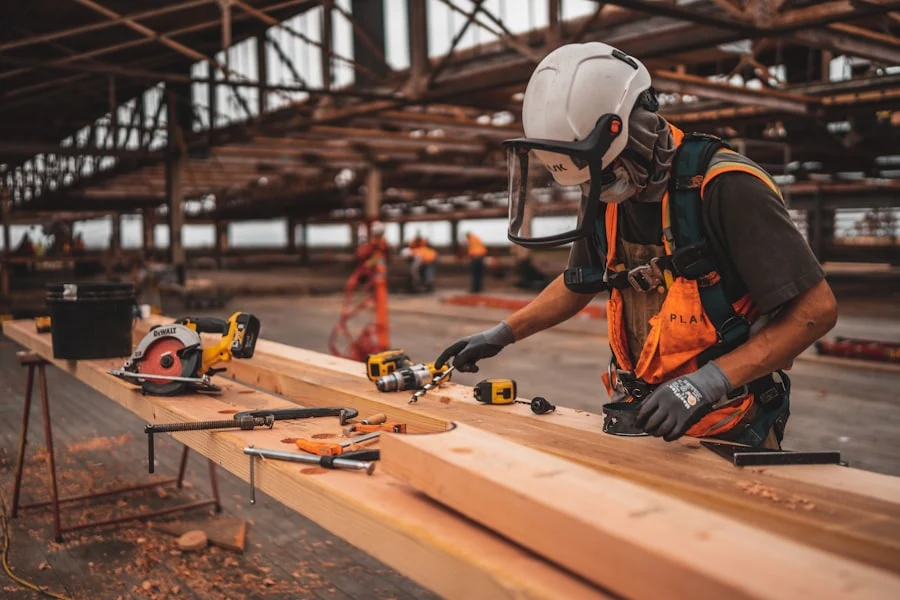
Cordless drill and tools on a bench

Tool register

One record per item, with a photograph and serial number, so there is no mistaking one for another.

Name, description and photo
Unique serial number
Search across the whole register
Carpenter using a power tool

Named sign-out

Issue a tool to a person and from that moment it is clear who is responsible for it.

The holder is an individual
Sign-out date recorded
Visible to the employee in the app
Worker loading equipment into a van

Tools in vehicles

Kit that lives in a van is held as that van stock rather than as an item nobody can account for.

Stock held per vehicle
Move between van and store
Check at vehicle handover
Mechanic inspecting equipment

Returns and condition

Condition is recorded on return, so damage is not discovered at the next sign-out.

Return to store recorded
Condition note on return
History per individual item
Shelving with equipment in a store

Shared with the warehouse

Tools sit on the same locations as materials, so there is no second parallel record.

Same locations as the warehouse
Transfers between locations
Personal stock per employee
Crew wearing personal protective equipment on site

Personal protective equipment

Helmets, harnesses and other PPE are held like tools, which makes proving issue at an inspection straightforward.

PPE as a named sign-out
Who received what and when
Review when someone leaves

Tools under control in four steps

The first inventory is the work — after that the register maintains itself.

01
Inventory the tools

Enter items with their serial numbers and photographs.

02
Set up locations

Store, vehicles and sites as the places a tool can be.

03
Sign out by name

Issue each item to the person who actually uses it.

04
Record returns

Note the condition on return and the tool is available again.

100%
of tools with a serial number
0
phone hunts for who has what
1
register for tools and PPE
Live
view in the mobile app too

Stronger with every module you turn on

Tools lean on the same locations and people as the rest of the system.

See all solutions →
Warehouse

Tools sit on the same locations as materials and equipment.

Human resources

When someone leaves it is immediately clear what must come back.

Fleet

Kit that lives in a vehicle is tracked against that vehicle.

Tasks

A task that needs a particular tool finds it with its holder.

Tools — frequently asked questions

No. The register works on the serial number and name, which is enough for most firms. Barcodes can be added later if you want faster scanning.
Warehouse tracks material in quantities — five hundred metres of cable. Tools tracks individual items that have their own identity and history: this drill, this serial number, this holder.
Yes. Personal stock is visible in the mobile app, so the list is available on site.
Dates can be kept as notes against each item. For automatic reminders before expiry, get in touch — we are treating it alongside the reminders in the Fleet module.
Mark it written off and it leaves the available list while its history stays, so purchase value and working life remain visible.
No. Tool management is included in the Pro and Corpo plans. The comparison is on the Pricing page.
There is no limit on the number of items. Plan limits apply to users, not to the size of the register.

Stop hunting for tools by phone.

Start free and track tools by serial number and holder.