
Digital Warehouse Basics for Construction: From Chaos to Traceability
A digital warehouse helps construction companies move from scattered records and unclear stock to better traceability, fewer mistakes and stronger control over materials, suppliers and project costs.

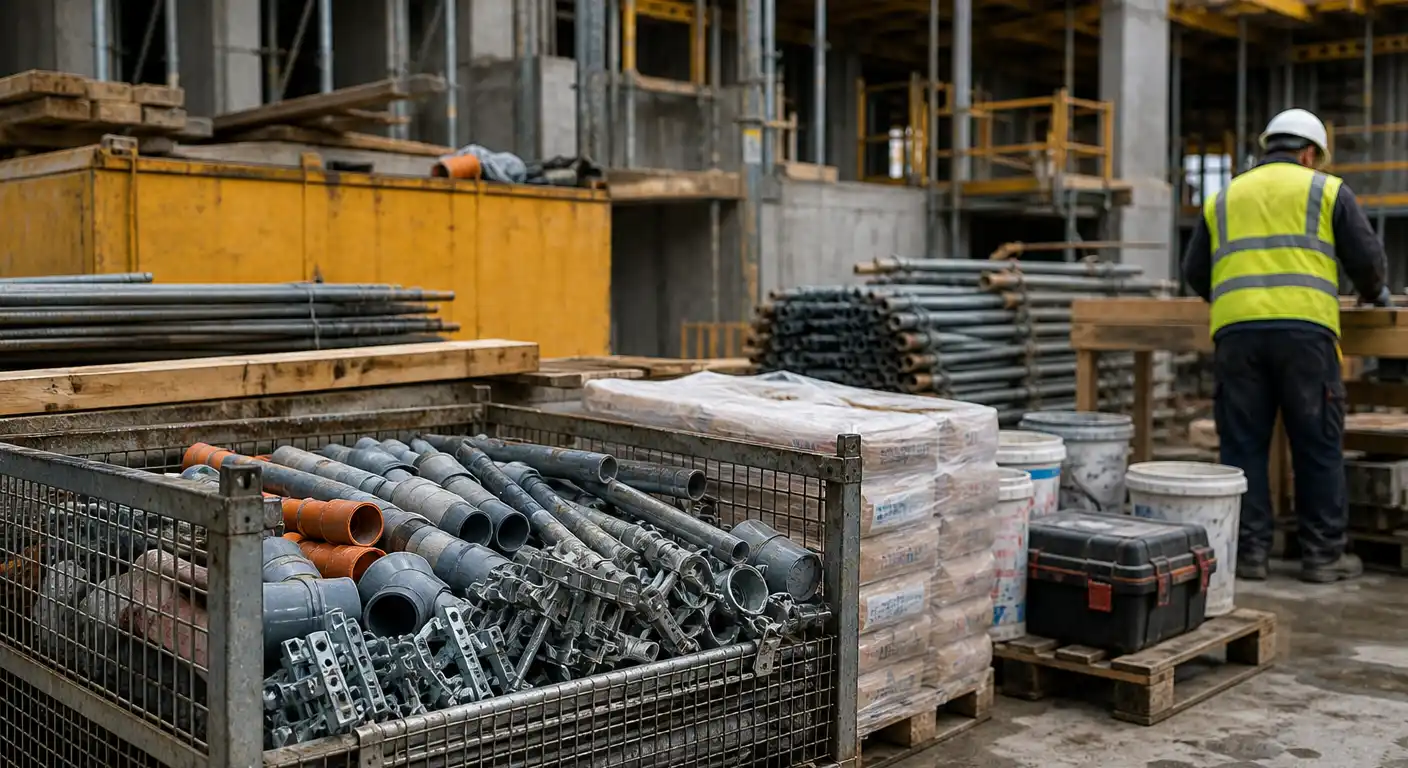
In construction, warehouse problems rarely start with one big mistake. They usually grow slowly.
At first, material is stored in one central warehouse. Then some items move to a jobsite. A few tools stay in a van. Workers keep small personal stock because they need fast access. Urgent materials are moved from one project to another without proper records. After a while, nobody is completely sure what is in stock, where it is, who has it, or which project used it.
For many construction companies, the problem is not that people are careless. The real problem is that the process depends too much on memory, phone calls, paper notes, and spreadsheets. That might work when the company is small. But as soon as you have several jobsites, more workers, and more material movement, the system becomes too weak.
A digital warehouse helps solve this by creating traceability. It gives your team a clear way to see what came in, what went out, where it moved, who received it, and which project or cost centre it belongs to.
Why construction warehouses are harder to manage
A construction warehouse is different from a simple office stockroom. Material does not stay in one place. It moves all the time.
You may have a central warehouse, but you also have jobsites, vehicles, temporary storage areas, and personal stock held by employees. On top of that, work is often urgent. When a team needs material on site, nobody wants to wait for administration.
Because of this, many companies allow quick transfers without a clear process. That solves the short-term problem, but it creates a bigger one later. This leads to common problems:
- duplicate purchases because stock looks empty
- missing material that nobody can explain
- delays because teams cannot find what they need
- unclear project costs
- too much time spent checking stock manually
The solution is not to stop work or create a complicated process. The solution is to build traceability step by step.
Start with the basic warehouse structure
Before a construction company can track material properly, it needs a clear structure. In RelayPlan, this starts with the warehouse module, where teams can manage suppliers, categories, products, stock, transfers, and orders. A good starting structure usually includes:
- suppliers
- product categories
- product list
- stock quantities
- minimum stock levels
- stock movements
- transfers between locations
- returns when material comes back
This structure is important because every movement later depends on good basic data. If suppliers are missing, products are unclear, or categories are not set up, the warehouse will still be difficult to manage digitally.
Step 1: Add suppliers
Suppliers should be added before products because many products are connected to the company that provides them. If your team knows where an item comes from, who supplies it, what the usual payment terms are, and who the contact person is, product setup and reordering become much easier later.
In a digital warehouse, supplier data can include details such as supplier name, email, phone number, address, country, contact person, tax number, payment terms and warranty period. This may seem like basic information, but it saves time later.
Step 2: Create categories and products
Many warehouse problems start because items are named differently by different people. One person writes "screws," another writes "wood screws," and another writes only the supplier code. Later, nobody knows if these are the same item. That is why categories, product codes, and supplier connections are important.
When adding a product, it is useful to include product name, code, serial number if needed, type, quantity, category, supplier, purchase and sales price per unit, unit of measure, minimum stock in the central warehouse and product documentation.
You do not need to add every item in the company on the first day. Start with the most important ones — usually materials that are expensive, used often, or likely to delay work if they are missing.
Step 3: Record receipts, issues, transfers, and returns
After suppliers, categories, and products are set up, the next step is to record movement. This is where warehouse traceability really begins.
A receipt means material entered the warehouse. An issue means material left. A transfer means material moved from one location to another. A return means unused material came back. In construction, transfers and returns are especially important because material often moves more than once:
- from supplier to central warehouse
- from central warehouse to jobsite
- from jobsite to another jobsite
- from worker back to warehouse
- from project stock back to central stock
Without movement history, the team only sees numbers. With movement history, the team sees the story behind the numbers.
Step 4: Connect material to projects and cost centres
Stock control becomes much more valuable when it is connected to project costs. If material only leaves the warehouse without a project connection, you know that stock decreased, but you do not know why. When material is connected to a project or cost centre, you can see which project used it.
That helps management understand real project costs earlier. This is especially important in construction, where small material movements happen every day.
Step 5: Set minimum stock levels
Minimum stock levels help your team avoid urgent purchases. If an item is used every week and delivery takes several days, you should not reorder only when the quantity reaches zero. By then, it may already be too late.
Minimum stock is not only about having more material. It is about having the right material available at the right time.
A simple template for your first 50 products
If you want to start quickly, do not begin with your entire warehouse. Start with your key suppliers and your top 50 products — the items that matter most to daily work.
Start simple. You can improve the data later. The most important thing is that your team begins using one shared supplier and product list instead of different names, files, and notes.
How to start without stopping work
Many companies delay warehouse digitalisation because they think it will interrupt daily operations. But it does not have to. The best approach is to start small.
First, set up one central warehouse. Add key suppliers, create categories, add your top 50 products, set minimum stock levels, and start recording basic stock movements. Once that works, you can add more advanced movements, such as transfers, returns, and jobsite stock.
After that, you can create jobsite mini-warehouses. These are smaller stock locations connected to active projects. They help you see what material is already on site and what still needs to be delivered.
Final thoughts
A digital warehouse is not only about stock numbers. It is about trust. Your team should be able to trust that the material exists, that the location is correct, that the supplier is known, and that project costs are based on real movements.
Start with suppliers. Add your most important products. Organise them into categories. Connect stock movements to projects and cost centres. Set minimum stock levels. Then keep improving the process step by step. That is how warehouse chaos becomes traceability.