Excel or ERP? When Do Spreadsheets Start Holding a Construction Company Back?
Excel is one of the most useful business tools there is. But as a construction company grows, the very spreadsheets that first brought order to it can start slowing it down.


Excel is one of the most useful business tools there is. But as a construction company grows, the very spreadsheets that first brought order to it can start slowing it down. How do you recognise the moment Excel is no longer enough — and how do you take the next step without unnecessary disruption?
Picture an ordinary Monday morning at a construction company.
The operations manager is putting together the staff schedule for five different sites. The data lives in an Excel spreadsheet last updated on Friday. Meanwhile, one employee has called in sick, another urgently needs to move to a different site, and on a third site work cannot go ahead as planned because a material delivery is late.
In the office, accounting is waiting for last week’s approved working hours. The warehouse manager is trying to find out how much material was issued to a particular project. And the managing director wants to know whether a project nearing completion is still on its planned margin.
All of the data exists. Some of it in Excel, some on paper, some in emails and messages.
That is often the moment the question comes up: is Excel still the right tool, or does the company need a different way of running the business?
Excel is not a bad system. It is often the best place to start.
In conversations about digitalisation, Excel is often unfairly painted as something outdated. In reality, it has plenty of strengths.
It is accessible, flexible and simple enough that a company can set up its basic records without any significant investment.
For a smaller construction company running one or two projects at a time, a spreadsheet can be a perfectly good solution for:
- recording working hours;
- basic staff planning;
- tracking quotes and costs;
- preparing estimates;
- keeping simple material lists;
- an overview of basic project financials.
Excel is especially useful for analysing data, building estimates, running scenarios and producing custom reports.
But there is an important difference between a tool for analysing data and a system for running a company’s day-to-day operations.
And that is exactly where the challenges begin.
6 signs your construction company has outgrown Excel
Moving to an ERP system is not necessarily tied to headcount or revenue. The complexity of the operation matters far more.
A company with ten employees running six projects at different locations can have more demanding operational processes than a company with thirty employees on a single site.
The following six signs may mean your existing spreadsheets are becoming a constraint.
1. The same data lives in several different spreadsheets
One of the most common problems is duplicated data.
The company keeps one spreadsheet for employees, another for working hours, a third for projects, a fourth for materials and a fifth for tracking costs.
When something changes, the change has to be entered by hand in several places.
If an employee moves from one project to another, that has to be recorded correctly in the schedule, the timesheets and the cost calculation.
If the change does not make it everywhere, the records start telling different stories.
Modern cloud spreadsheets do allow shared editing and automatic saving. But even that does not solve the problem when a company has many disconnected files and different ways of entering data.
2. Reports arrive when it is already too late to act
On construction projects, timing is often decisive.
Say a project runs for three months. After the first month, significantly more hours have been worked than planned.
If management only finds out at the monthly close, valuable time to reorganise the work may already be lost.
If data on hours and materials is available as it happens, the project manager can spot deviations earlier and look into their causes.
That does not mean every project will run without problems. It does mean the company can make decisions based on more current data.
3. Field data gets retyped in the office
This is one of the biggest operational problems in construction.
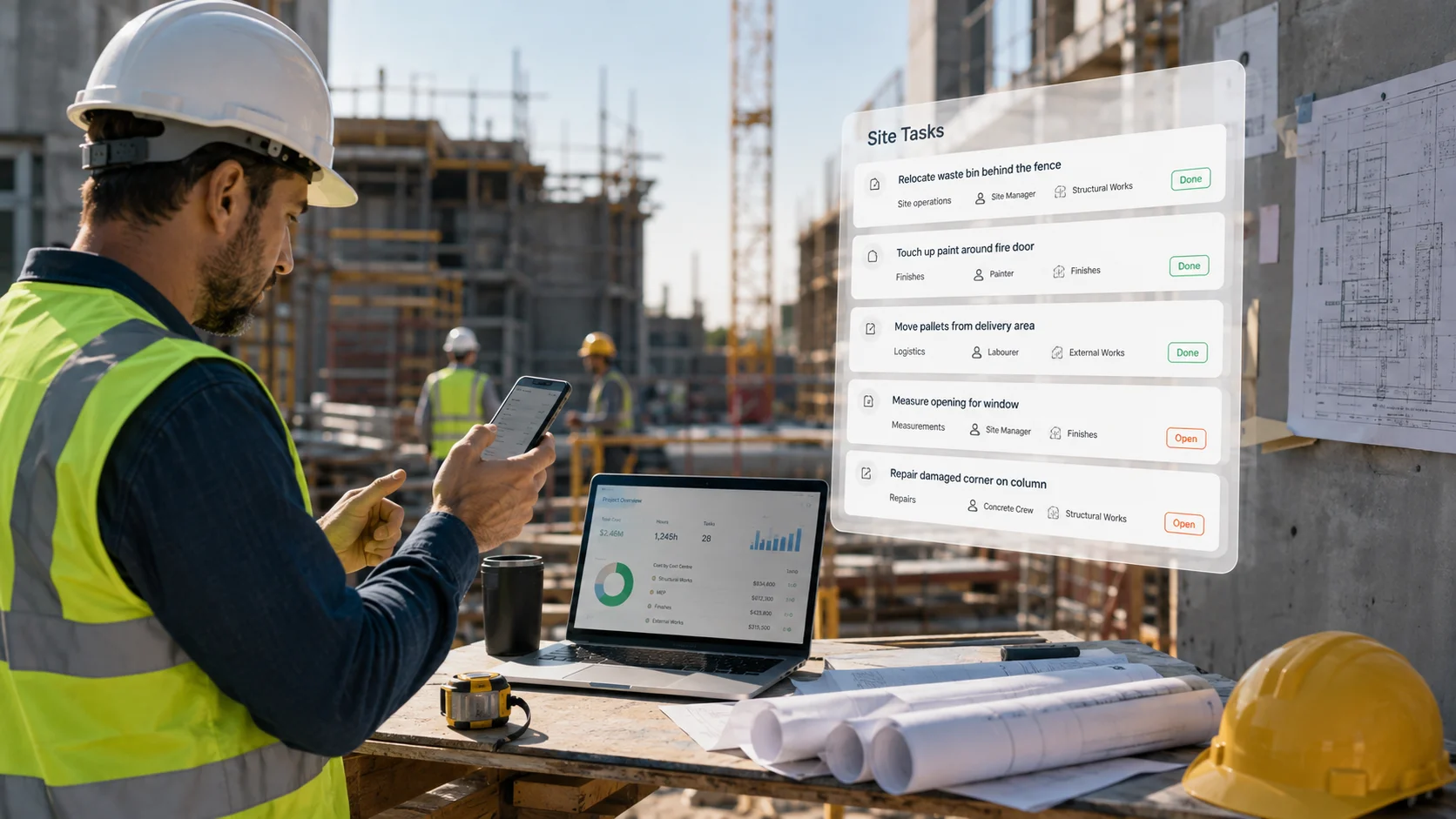
Workers or team leads on site record the hours worked, the material used and the work completed. Often on paper, in messages or in assorted files.
The data then reaches the office, where someone reviews it, fills in the gaps and enters it again into another record.
The same piece of information travels through the company several times.
Every extra manual transfer means more time spent and another chance for a mistake.
If a site manager records eight working hours on a project, once approved that information should also be usable for payroll, the project cost overview and reporting.
4. Actual project costs are hard to connect to the work done
Most construction companies are good at preparing a quote and an initial estimate.
The question is how accurately they track costs during delivery.
Each project has to account for several categories:
- employee labour costs;
- materials used;
- equipment and machinery costs;
- external services and subcontractors;
- other direct costs and appropriately allocated indirect costs.
When the data sits in separate spreadsheets, building a complete picture depends on linking those records by hand.
So a company sometimes knows the value of the invoices it has issued, but lacks a good enough running view of what delivery is actually costing.
5. Nobody has a reliable view of materials and equipment
Materials make up a significant part of the cost of many construction projects.
Yet even simple questions can cause trouble:
Where is that particular tool? How much pipe is left in the warehouse? Who collected the material for the site? Has the stock already been issued to the project?
If stock is kept in a spreadsheet the storekeeper updates now and then, what is actually on the shelf is not necessarily what the sheet shows.
With a single warehouse, a record like that is still manageable. Once there are extra locations, site containers, service vans and several teams, keeping track becomes much harder.
6. The business depends too much on one person
Many companies have one person who “knows all the Excel sheets”.
They know the formulas, the file structure, how the data links together and the rules for entering it.
As long as they are around, the system works.
The trouble starts during their holiday, a sick leave, or when they leave the company.
The data is still there, but it can be hard for anyone else to use.
A well-organised business system should let employees with the right permissions access information and do their jobs without depending on one key person.
What does working with disconnected spreadsheets actually cost?
Excel itself is not a big expense. The processes around it can be.
Take a simplified example of a construction company with 25 employees and several active sites.
Assume three team leads each spend an extra 15 minutes a day collecting, reconciling and passing on data.
An administrative colleague spends another 45 minutes a day retyping and checking that information.
Over 20 working days a month, that comes to:
Using an illustrative average labour cost of €20 an hour, that is €600 a month, or €7,200 a year.
This is purely an illustrative calculation, not a figure for the average construction company. Actual costs depend on how the company is organised and on its hourly cost rates.
Nor does the calculation include the consequences of incorrect entries, delayed decisions, duplicate material orders or lost information.
Equally, introducing software does not remove all administrative work. But it can remove some of the unnecessary duplication and shorten the time spent reconciling.
Excel or ERP: what is the real difference?
ERP (Enterprise Resource Planning) is a business information system designed to connect different business processes and data.
In construction, that mainly means connecting employees, projects, working hours, materials, equipment and costs.
The comparison shows typical capabilities, not absolute limits. Advanced spreadsheets can offer automation and integrations, and ERP systems vary in features and quality of implementation.
Excel remains an excellent tool for analysis, estimates and one-off reports. ERP is the better fit when several people have to carry out connected operational tasks every day.
How do you know if your company is ready for ERP?
The answer does not depend on company size alone.
To start, ask yourself five simple questions:
If you answered yes to several of them, it makes sense to take a closer look at your current processes.
That does not mean you need to buy an ERP straight away. It does mean it is worth working out what your current way of working costs and looking at the alternatives.
Sometimes better-organised spreadsheets and clearer rules are enough. In other cases the problem runs deeper and cannot be solved effectively without connecting the data.
Moving from Excel to ERP does not have to be a big project
One of the biggest barriers to adopting an ERP system is the idea that the company has to change its entire operation at once.
That approach can be demanding, especially in construction, where work in the field cannot stop while new software is rolled out.
A gradual transition makes far more sense.
1. Start with the problem, not the software
First, identify which process creates the most unnecessary work.
Is it time tracking? Staff scheduling? Materials? Cost tracking?
Do not roll out ten modules just because they are available.
Start with one process where the improvement can be clearly measured.
2. Pick one project or a small team
Instead of changing the whole company, start with a single site and its team.
On that project, set up one consistent way of recording working hours and tracking costs.
Compare how long it took to prepare the information before, and how long it takes after the change.
3. Involve the people in the field
The best software does not help if people do not use it.
That is why data entry needs to be as simple as possible, and why employees need to understand what it is for.
A worker on site does not need complex financial reports. They need a clear schedule and a simple way to record the work they have done.
The project manager, on the other hand, needs an overview of progress, people, materials and costs.
4. Connect the data step by step
Once time tracking is in order, you can bring in scheduling, materials and other operational processes.
That way a connected data foundation builds up without unnecessary duplication.
It also matters that the system can export data and connect sensibly with your existing accounting software.
The goal is not necessarily to replace every program the company already uses, but to make sure information does not travel between them only by being retyped.
5. Measure the results
After a few weeks, check what has changed.
How long does the monthly timesheet close take now? How quickly can you establish a project’s costs? How much data still has to be re-entered? Do team leads have a better view of the work?
Decide on the next stage of the rollout based on the results.
Where does RelayPlan fit into this?
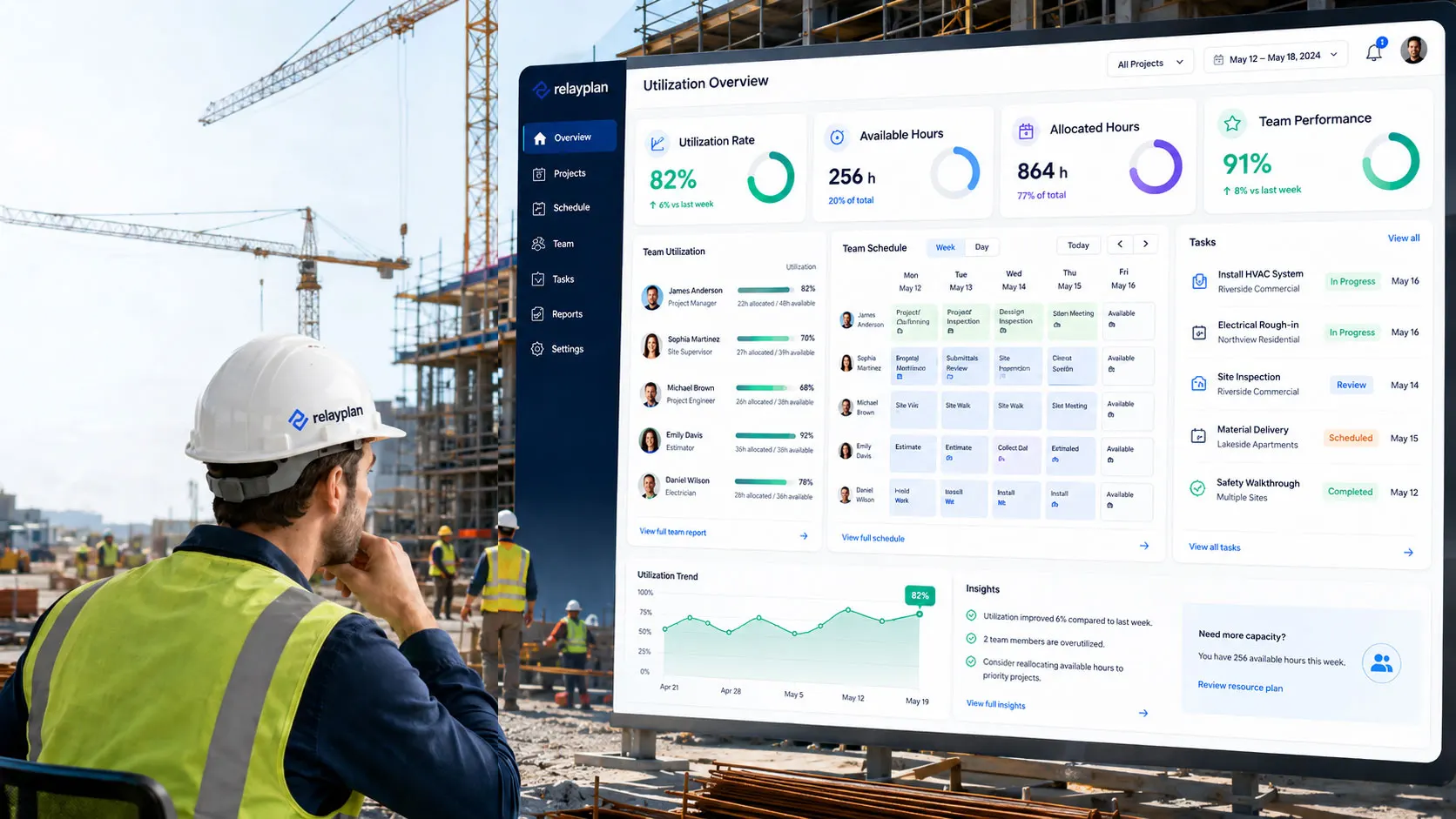
RelayPlan is an operational ERP system built for construction companies and organisations that carry out much of their work in the field.
It focuses on the area where information is actually created: scheduling people, carrying out work, recording hours, managing materials and tracking projects.
Instead of collecting data across several disconnected spreadsheets, the company can keep it in one connected environment.
With RelayPlan you can, among other things:
- record working hours and link them to projects;
- schedule employees and teams across sites;
- manage the warehouse and materials, including receipts, issues and transfers;
- track projects and cost centres;
- prepare reports and export data to Excel or CSV.
RelayPlan does not ask a company to give up Excel entirely. Quite the opposite: spreadsheets stay useful for further analysis and reporting.
The essential change is that Excel no longer has to be the main place where people collect and reconcile operational data every day.
A company can start with one process or one project and extend its use based on real needs.
Conclusion: keep Excel as a tool, not a constraint
Excel has helped many construction companies set up their first records, get an overview of their projects and establish basic business processes.
Its usefulness does not end when a company introduces ERP.
What changes, above all, is its role.
When there are more projects, when teams work across different locations and when cost tracking gets more demanding, a company needs data that is connected, up to date and available to the right people.
The biggest benefit of digitalisation is not necessarily having fewer spreadsheets.
If you recognise these problems, you do not have to start with a big change.
Start with one project. Sort out one process. Measure the result.